
Q3 2026
Market Analysis Report
Executive summary
Demand for cloud infrastructure and developer tools continued to grow across North America and Europe.
Key findings
- Enterprise software revenue increased 17%.
- Acquisition costs decreased by 8%.
Checking the document structure…
Review every page. Keep every word.
Plainmark converts text-based PDFs into clean, editable Markdown and keeps the original beside the result for review.
Q3 2026
Demand for cloud infrastructure and developer tools continued to grow across North America and Europe.
1 # Market Analysis Report

3 ## Executive summary

5 Demand for cloud infrastructure and
  developer tools continued to grow.

9 ## Key findings

11 - Enterprise software revenue increased 17%.
12 - Acquisition costs decreased by 8%.
Preparing local preview…
Review the PDF on the left, then start the conversion when you’re ready.
Works best with text-based PDFs. Tables, invoices, and visual brochures may need a quick review.
How it works
Plainmark keeps the source close, so you can verify the conversion instead of trusting a black box.
Upload a text-based report, paper, or presentation up to 50 MB.
Compare the original pages with editable Markdown while the details are still in view.
Fix anything that needs attention, then copy the text or download a Markdown file.
Made for real documents
Research
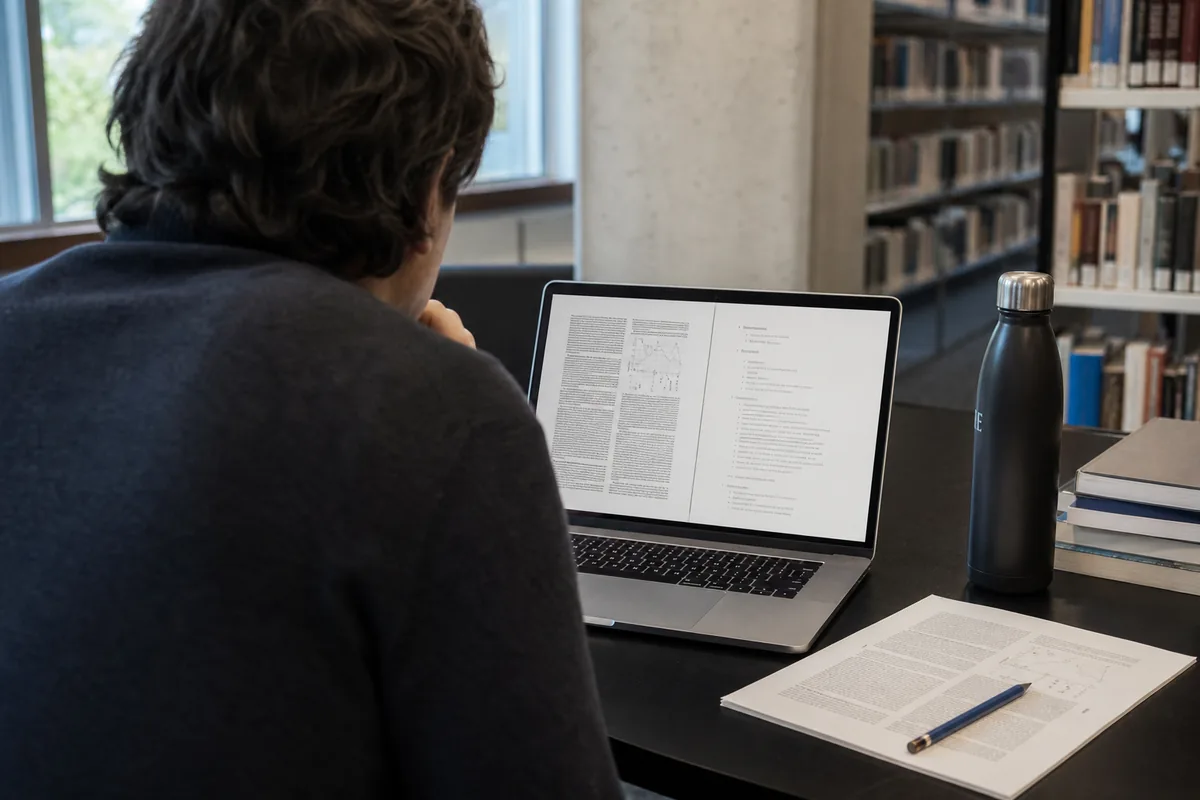
Bring headings, paragraphs, and references into a Markdown-based research workflow. Read the conversion guide.
Documentation
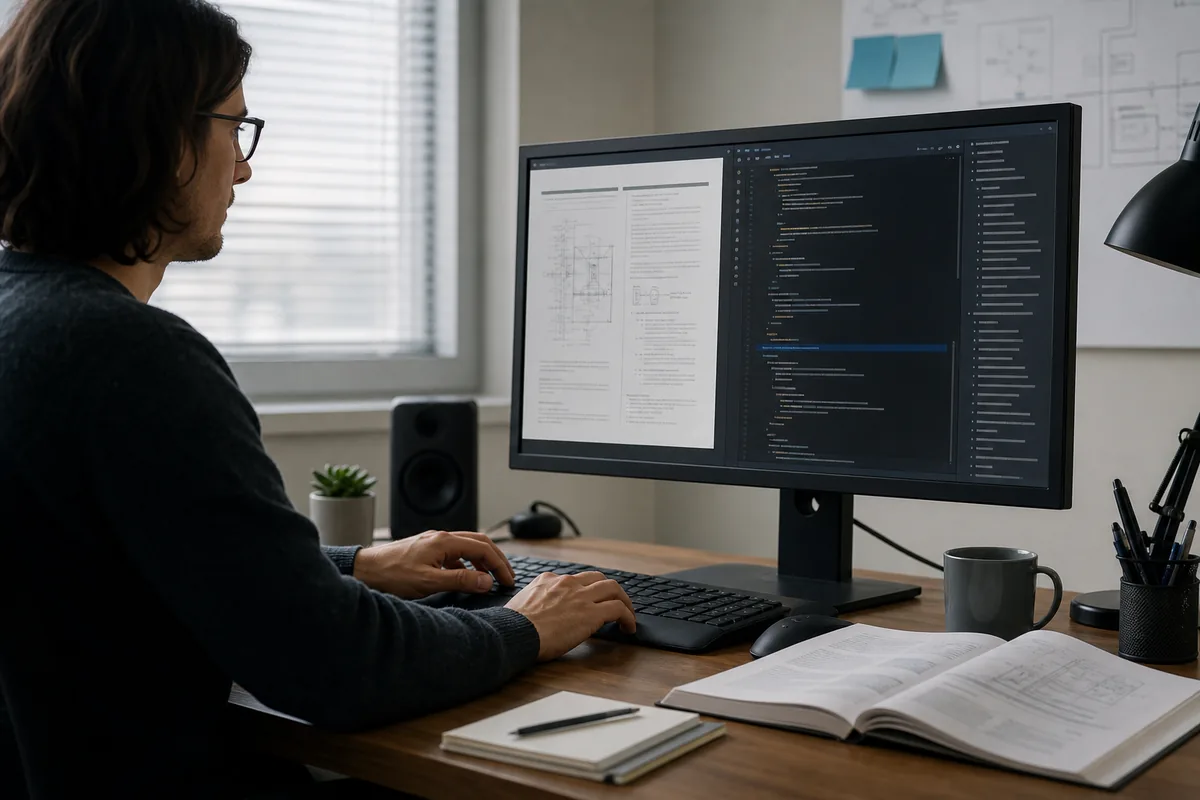
Turn archived guides and reports into text your team can update and reuse.

AI workflows
Create structured Markdown before adding documents to your own search or AI tools.
Private by design
Files are stored temporarily so you can review and export the result. Plainmark does not use uploaded documents to train AI models or send their contents to third-party AI services.
For sensitive, regulated, or confidential material, follow your organization’s document-handling policy before uploading.
Questions, answered
Text-based PDFs with clear headings, paragraphs, and lists work best. Complex tables, multi-column layouts, and highly visual brochures may need manual cleanup.
Not yet. Plainmark does not currently run OCR, so image-only scans may produce little or no text.
Embedded images are saved separately when possible. The Markdown stays free of automatic image references. Choose Download .md + images to get the text and image folder together in a ZIP file.
Yes. Edit the Markdown directly in the review workspace, switch to preview, copy it, or export it as an .md file.
Yes. Each PDF can be up to 50 MB.
Help shape Plainmark
Review workspace